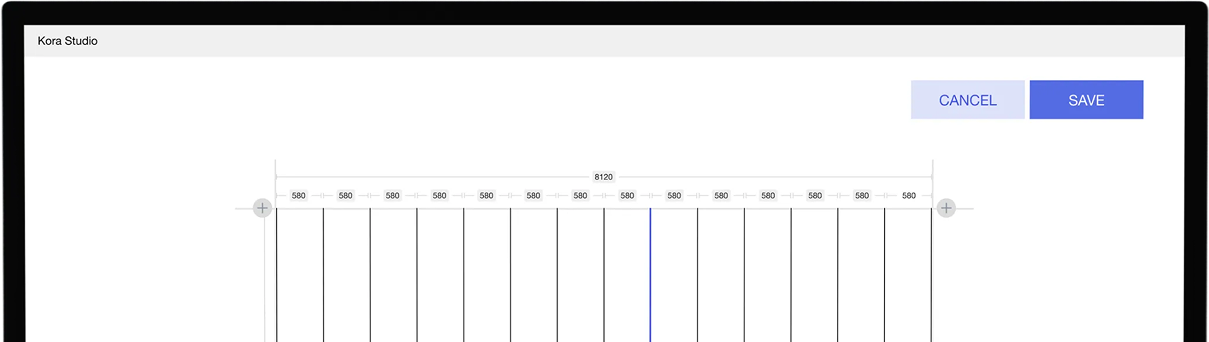




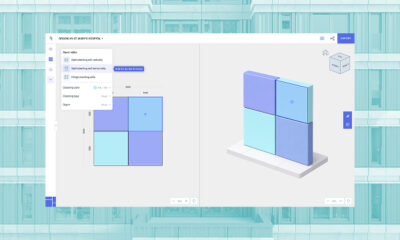
Save once—Kora Studio generates fully adjustable, coordinated Revit families that update with every design change.

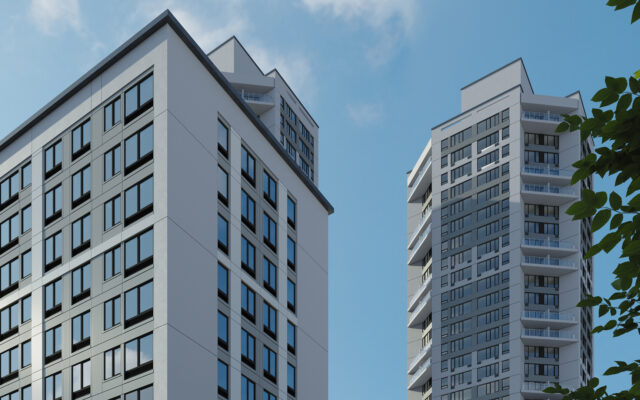
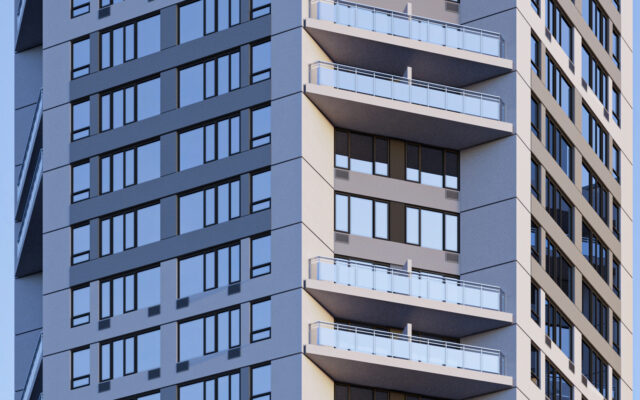
Parametric families, design freedom, automatic light air calcs, and instant cost/performance insights — all within your existing workflow.


average time reduction from design to fabrication package thanks to automated detailing and scheduling.
real-time manufacturability and compliance checks prevent costly late-stage changes.
to any company or products
of deliverables, your creations, content and results
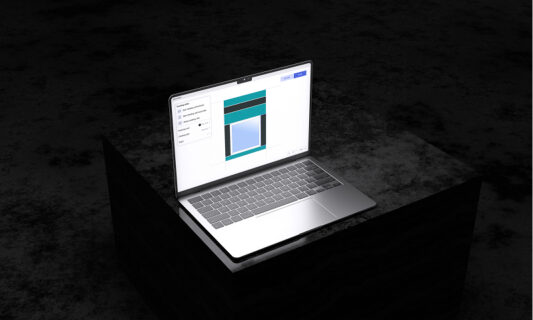
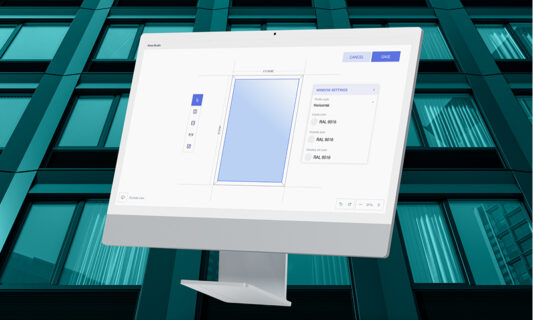
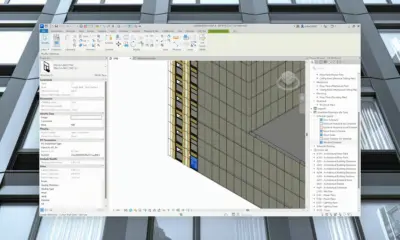
All the families build with the plug in are in your revit project, highly parametric, fully editable. You can choose to use prefab or traditional construction methods.
Enjoy 80% faster results.
Save once—Kora Studio generates fully adjustable, coordinated Revit families that update with every design change.
All quantities and compliance fields are ready out-of-the-box—no manual setup for schedules or takeoffs.
BIM in facade design goes beyond Revit modeling — it's a set of coordination responsibilities and workflows that span architects, BIM managers, and fabricators. This guide covers the roles, tools, and common points where the process…
Late-stage facade changes cascade through structural coordination, scheduling, and fabrication sequences. The cost doesn't show up as a single invoice — it accumulates across the project in ways that are hard to track until the budget…
Manual facade modeling in Revit is workable for simple, low-iteration projects. At scale — larger facades, more design rounds, mixed panel types — the overhead compounds. This comparison breaks down where the time goes and what…